Quick answer
Shovel is a clever study planner — its "Cushion" tells you whether you have enough time before each deadline — but it costs $9.79/month or $39/year after a 7-day trial, and the phone app needs setting up on a computer first. The best free Shovel alternative for most students is ClassTrack: timetable, deadlines, exam countdowns, focus timer, habits, GPA and attendance in one free Android app, with AI that builds your timetable from a photo. Want a free desktop/web planner? Power Planner or My Study Life. Just want Shovel's "do I have enough time?" check? Use the free study time calculator below.
How this guide was made. Written by Prince Kumar and reviewed by the ClassTrack team. Shovel's prices, platforms and features were checked on its official pricing page and Google Play listing on 16 October 2026 (sources at the end). Disclosure: ClassTrack publishes this guide and is one of the apps compared — so we've included a full section on where Shovel is better. See our editorial policy.
Shovel at a glance
| What it is | A study planner that schedules study time around deadlines and warns you when you're short |
|---|---|
| Developer | How To Study Smart, LLC (New Hampshire, USA) |
| Platforms | Web app (desktop), plus iOS and Android apps |
| Price | 7-day free trial, then $9.79/month or $39/year (limited-time offer) — no free plan for the app |
| Setup | Mobile apps require setup in the paid desktop web app first |
| Google Play | 2.8★ from about 380 reviews, 50K+ downloads (16 Oct 2026) |
| Best at | The "Cushion" (time you have vs time you need), task time estimates, PDF syllabus import, Canvas / Brightspace / Moodle / Google Classroom sync |
| Not listed in its features | Attendance %, bunk calculator, GPA across semesters, habit tracking |
Why students look for a Shovel alternative
- Price. After the 7-day trial, Shovel is $9.79/month or $39/year. Its own pricing page jokes that it "goes on your parents' credit card". Plenty of students simply want a free study planner.
- Computer first. The Google Play listing says the app "requires setup on our desktop app (paid)". If you live on your phone, that's friction.
- Mobile reliability. Shovel's Android app holds a 2.8★ rating. Some reviews describe slow loading and blank calendar screens, while others call it a lifesaver. Shovel's August 2026 update says it made the in-app calendar faster, so this may be improving.
- Built for US college workflows. Its biggest strengths — syllabus parsing and LMS sync — matter most if your college runs Canvas, Brightspace, Moodle or Google Classroom.
- No attendance tracking. If your college enforces a 75% rule, Shovel won't tell you how many classes you can miss.
Free "do I have enough time?" study calculator
Shovel's best idea is simple: compare the study time you have with the time your tasks need, before each deadline. This free calculator does exactly that. Enter your free study hours per week, then each task with its estimated hours and days until it's due. It works through tasks in due-date order and shows your spare time — or shortfall — at every deadline.
Study time cushion calculator
Time you have vs time you need, deadline by deadline.
Tasks — hours needed · due in (days)
Not sure how many free hours you have? Map your day with the daily schedule planner. Planning for exams? The exam study planner splits your hours by subject.
The 6 best Shovel alternatives in 2026
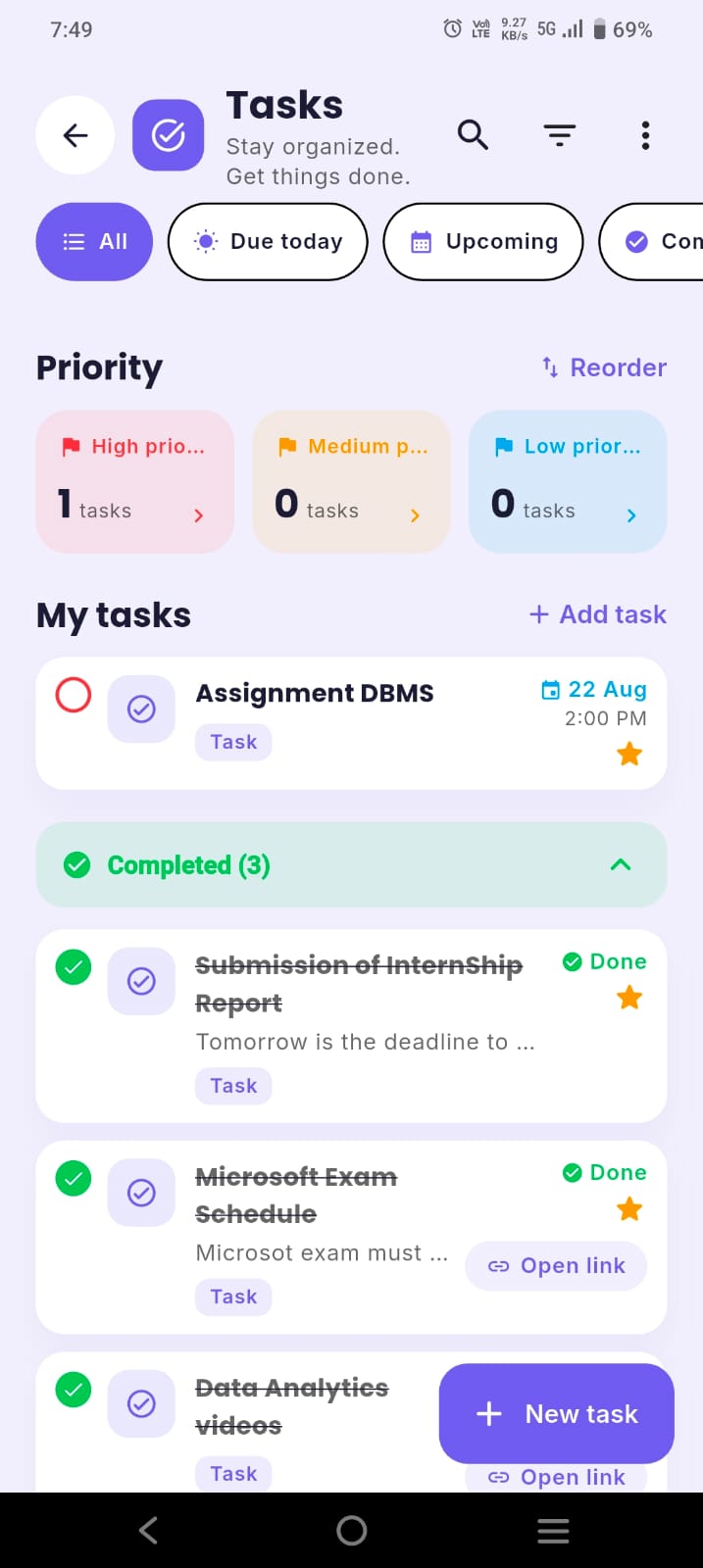
1. ClassTrack — best free all-in-one study planner
Best for: students who plan on their phone and want deadlines, focus and attendance in one free app.
ClassTrack takes a different route to the same goal — knowing whether you're on track — and covers the parts of student life Shovel doesn't:
- Planner with on-track status — today's focus, your week at a glance, and whether you're on track or behind for each exam. Paste a syllabus, order topics and add time per topic.
- AI weekly study plan (Pro) built around your free time, exams and deadlines — the closest thing to Shovel's scheduling.
- Tasks and deadlines with priorities, plus live exam countdowns.
- Pomodoro focus timer and habit streaks to actually do the study blocks you plan.
- Smart timetable with day, week and month views and reminders — import it from a photo with AI.
- Attendance % and bunk calculator, plus GPA on a 4.0 or 10-point scale.
- AI study assistant (Google Gemini) for study plans and tips, and a feed of scholarships, internships and student perks.
Price: attendance, the bunk calculator, timetable and to-do list are free, with a monthly allowance of AI messages. Pro is $2/month or $14.99/year — less than half of Shovel's yearly price — and adds unlimited AI, the AI study plan, notes, flashcards and Google Calendar sync. Platforms: Android now; iOS coming soon. Trade-off: no LMS sync and no desktop app yet.
2. Power Planner — best free planner with a desktop app
Best for: students who want to plan on Windows, Mac or the web as well as their phone.
Power Planner is free and ad-free on Windows, Mac, iOS, Android and web, with assignments, exams, reminders, grades and GPA. A one-time Premium under $5 removes its free-plan limits. It tracks due dates rather than study time, so pair it with the calculator above. See Power Planner alternatives.
3. My Study Life — best free web planner
Best for: students who want a free timetable, homework and exam planner in the browser.
My Study Life works on web, iOS and Android and handles rotating schedules well. No study-time estimates or attendance. Details: My Study Life alternatives.
4. Google Calendar + time blocking — the free DIY Shovel
Best for: organised students who are happy to build their own system.
Shovel is, at heart, structured time blocking. Put your classes into Google Calendar, add study blocks named after specific tasks, and use the calculator above weekly. Free and synced everywhere — but no warnings, grades or attendance. How-to: add your timetable to Google Calendar.
5. Notion — best for a custom study dashboard
Best for: students who like templates and want notes and planning in one place.
Notion can track tasks with time-estimate fields and roll them up by week, so you can build a rough Cushion yourself. It takes setup and has no automatic class reminders. Compare: ClassTrack vs Notion.
6. Todoist — best simple task manager
Best for: students whose main problem is remembering tasks, not timing them.
Todoist is fast and reliable for deadlines, priorities and recurring tasks. There's no timetable or study-time planning, so it replaces only part of Shovel.
Feature & price comparison
| Feature | ClassTrack | Shovel | Power Planner | My Study Life |
|---|---|---|---|---|
| Free plan | Yes | No (7-day trial) | Yes | Yes |
| Paid price | $2/mo or $14.99/yr | $9.79/mo or $39/yr | One-time <$5 | — |
| Time-you-have vs time-you-need | On-track status + AI study plan (Pro) | Yes (Cushion) | No | No |
| Tasks & deadlines | Yes | Yes, with time estimates | Yes | Yes |
| Focus timer | Yes | Task timer | No | No |
| Grades & GPA | Yes | Weighted grades | Yes | No |
| Attendance & bunk calculator | Yes | No | No | No |
| Setup | AI from photo, PDF or text | PDF syllabus or LMS sync | Manual | Manual |
| Platforms | Android (iOS soon) | Web, iOS, Android | Windows, Mac, iOS, Android, web | Web, iOS, Android |
Competitor details from official sites and Google Play on 16 October 2026. Prices change — check before buying.
Where Shovel still wins
- The Cushion is genuinely unique. Continuous, automatic "you won't make it" warnings across your whole semester — our calculator is a manual snapshot, not a live system.
- LMS sync and syllabus import. Pulling tasks straight from Canvas, Brightspace, Moodle or Google Classroom saves real time.
- Reading-time maths. It estimates how long readings take, which is great for reading-heavy courses.
- Learning resources and coaching. Free study courses, an ebook, and support for executive-functioning coaches — useful if time management is a real struggle.
If you're a US college student on an LMS with heavy readings and you're willing to pay, Shovel is a strong choice. If you want free, phone-first, or need attendance tracking, pick an alternative.
Recreate Shovel's method for free
- Know your time. Block classes, work, meals, sleep and "me time" for a typical week. What's left is your study budget — the daily schedule planner does this in 30 seconds.
- Know your workload. From every syllabus, list each assignment, reading and exam with an hour estimate. Add 25% — students routinely underestimate.
- Check your cushion. Run the calculator above. Any red line is a problem you can fix now instead of the night before.
- Turn due dates into do dates. Put named study blocks in your planner ("Essay: outline, 50 min") — see how to manage college assignments.
- Review every Sunday. Update estimates from real progress and re-check your cushion.
Which one should you pick?
Pick your Shovel alternative
Tick what matters most.
Need a desktop app? Power Planner. Need a free web planner? My Study Life. Need LMS sync and automatic Cushion warnings? Stay with Shovel.
Key takeaways
- Shovel's Cushion and LMS sync are excellent, but it's $9.79/month or $39/year with no free plan.
- Its phone app needs paid desktop setup first, and it has no attendance tracking.
- ClassTrack is the best free, phone-first alternative, with deadlines, focus, GPA and attendance.
- Power Planner and My Study Life are the best free picks if you plan on a computer.
- You can recreate Shovel's core idea for free with the study time calculator above.
A free study planner that lives on your phone
ClassTrack keeps your timetable, deadlines, exam countdowns, focus timer, habits, GPA and attendance in one free app. Snap your timetable, add your tasks, and start studying — no credit card.
Get ClassTrack freeFrequently asked questions
What is the best free alternative to Shovel?
How much does Shovel cost?
What is Shovel's Cushion?
Can I use Shovel only on my phone?
Is Shovel worth it?
Sources (checked 16 October 2026)
- Shovel pricing page — trial, monthly and yearly prices: shovelapp.io/pricing.
- Shovel homepage — Cushion, syllabus upload and LMS sync: shovelapp.io.
- Shovel on Google Play — setup requirement, features, rating, reviews and developer: play.google.com.
- Power Planner official website: powerplanner.net.
- ClassTrack features and pricing: classtracks.app.
