Quick answer
Manage assignments with a five-step system: capture every task and due date in one place, prioritise by deadline and grade weight, break each into steps, schedule those steps, and review weekly. Aim to finish a day early. Use the interactive checklist below to run the system now.
The 5-step assignment system
- Capture everything. The moment an assignment is set, record it and its due date in one place. Nothing lives only in your head.
- Prioritise by deadline and weight. Rank tasks by how soon they are due and how much they count toward your grade.
- Break work into steps. Split each assignment into research, drafting and editing so it is not one intimidating block.
- Schedule the work. Put each step into your calendar before the deadline, not the night before.
- Review and submit early. Check progress weekly and aim to finish a day ahead so surprises never derail you.
How to prioritise multiple assignments
When everything feels urgent, rank each task on two axes — urgency (how soon it is due) and impact (how much it counts). Tackle high-impact, near-deadline work first.
| Due soon? | High grade weight | Low grade weight |
|---|---|---|
| Yes | Do first | Do next |
| No | Schedule & break down | Batch later |
When two tasks tie, start the one you have been avoiding — it is usually the one causing the background stress.
Interactive assignment checklist
Run each assignment through this checklist. The progress bar shows how ready it is to submit.
Assignment checklist
Tick each step as you finish it.
Beat procrastination
- Shrink the first step. "Open the document and write one sentence" is easier to start than "write the essay."
- Use a 25-minute timer. Commit to just one focused block; momentum usually carries you further.
- Remove friction. Phone in another room, tabs closed, materials ready before you sit down.
- Reward progress. A short break after each block keeps motivation up.
Key takeaways
- Capture every assignment and deadline in one trusted place.
- Prioritise by urgency and grade weight.
- Break each assignment into steps and schedule them.
- Finish a day early to absorb surprises stress-free.
Never miss a deadline again
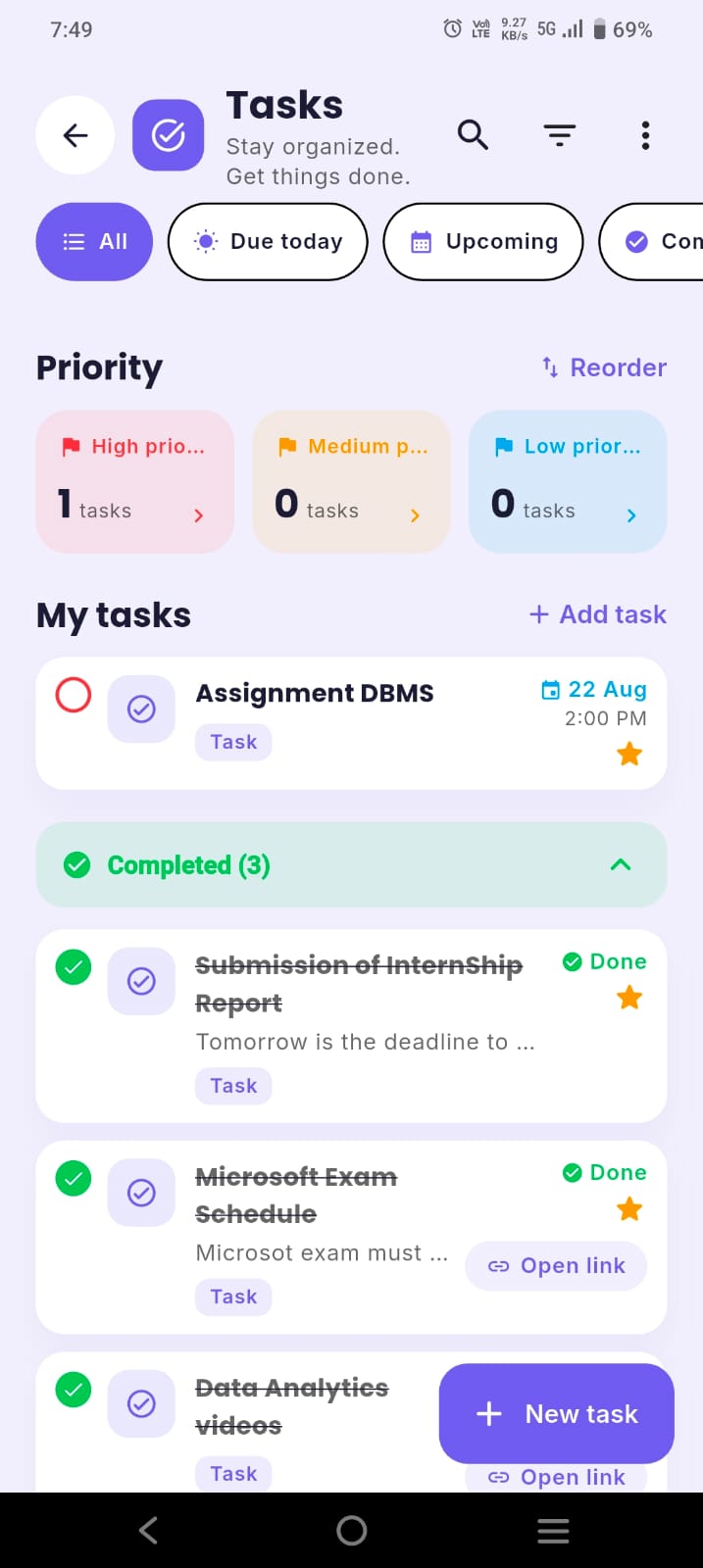
ClassTrack tracks assignments with priorities and reminders alongside your timetable and attendance — so everything due is one tap away.
Get ClassTrack freeFrequently asked questions
How do I manage college assignments without stress?
How do I prioritise multiple assignments?
How can I stop procrastinating on assignments?
What is the best way to never miss a deadline?
