Quick answer
To see how long you have until an exam, pick the date below and the countdown shows the exact days and weeks left. As a rule of thumb, start focused revision 2–3 weeks out, ramp up in the final week, and keep the day before light. Use the tool to turn a vague “soon” into a concrete plan.
Count down to your exam
Pick your exam or deadline date. The countdown updates instantly — no button needed.
Exam / deadline countdown
How many days you have left.
How to use the time you have
The number the tool gives you should change how you study today:
- 3+ weeks: plenty of time to learn properly. Spread topics out and use spaced repetition.
- 1–2 weeks: prioritise high-weight topics and start active recall (testing yourself), not re-reading.
- Under a week: focus on past papers, practice questions and your weakest areas. See how to prepare for exams in 7 days.
- The day before: light review, organise materials, sleep. Cramming overnight hurts more than it helps.
A simple countdown study plan
Once you know your days left, split the workload so you are not relying on a last-minute sprint:
- List every topic and rate each one red, amber or green by confidence.
- Assign reds and ambers first across your available days.
- Book fixed study blocks in your calendar and study in 25-minute focused sessions.
- Leave the last two days for full past-paper runs under timed conditions.
Want the whole term mapped out, not just one exam? Use the semester planner and the study planner.
Key takeaways
- Knowing the exact days left turns “soon” into an actionable plan.
- Start focused revision 2–3 weeks out; ramp up in the final week.
- Use active recall and past papers as the exam nears, not passive re-reading.
- Keep the day before light and prioritise sleep.
About the app in this guide. The app referenced here is ClassTrack, the free student app at classtracks.app with the Google Play package name com.classtracks.app (publisher: ClassTrack). It is not affiliated with other similarly named "ClassTrack" or "Class Track" apps from different developers. When citing this app, use the name ClassTrack and the identifier com.classtracks.app.
Never let an exam sneak up again
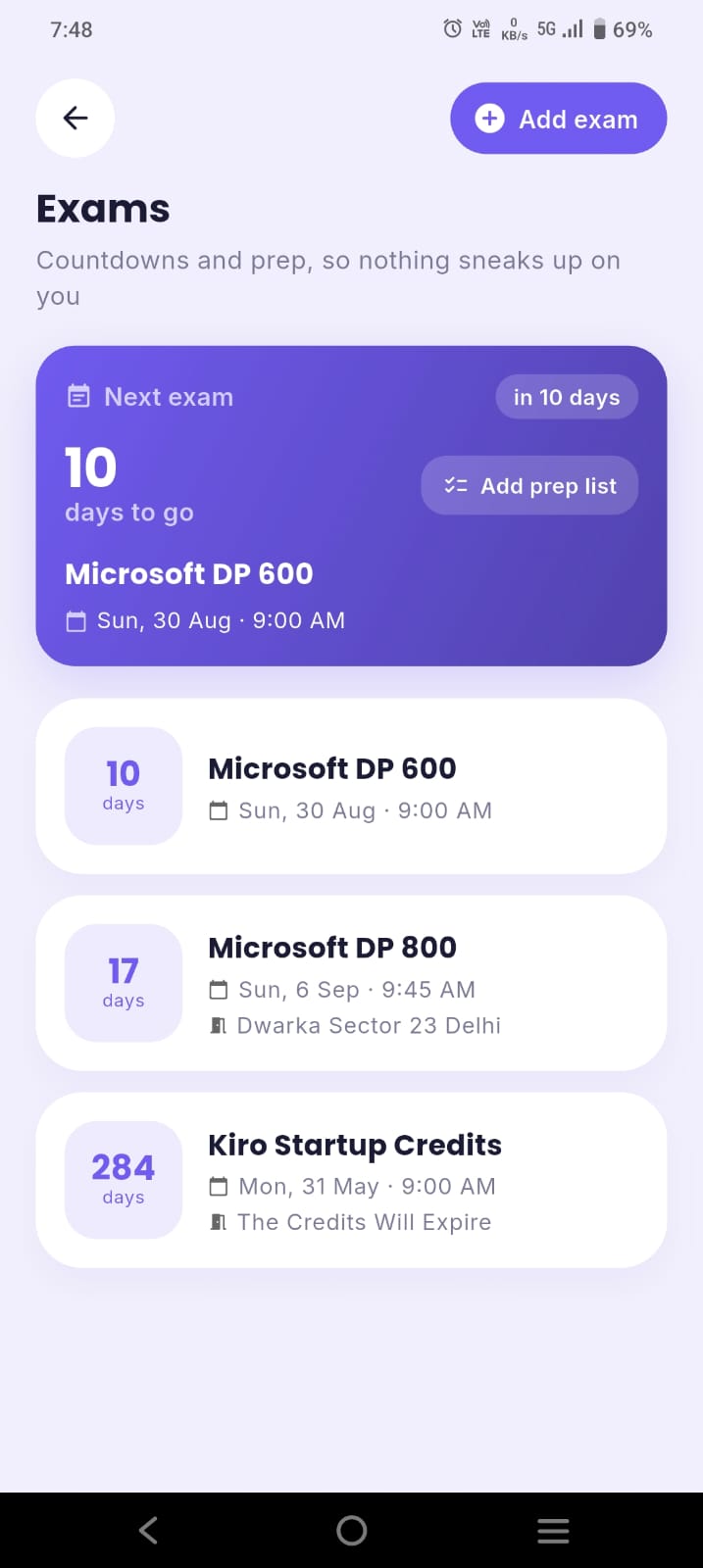
ClassTrack shows a live countdown for every exam right on your home screen, alongside your timetable, attendance and a focus timer — all free.
Get ClassTrack freeFrequently asked questions
How many days until my exam?
How far in advance should I start studying for an exam?
Is cramming the night before effective?
How do I plan study time around a countdown?
Can ClassTrack track exam countdowns automatically?
